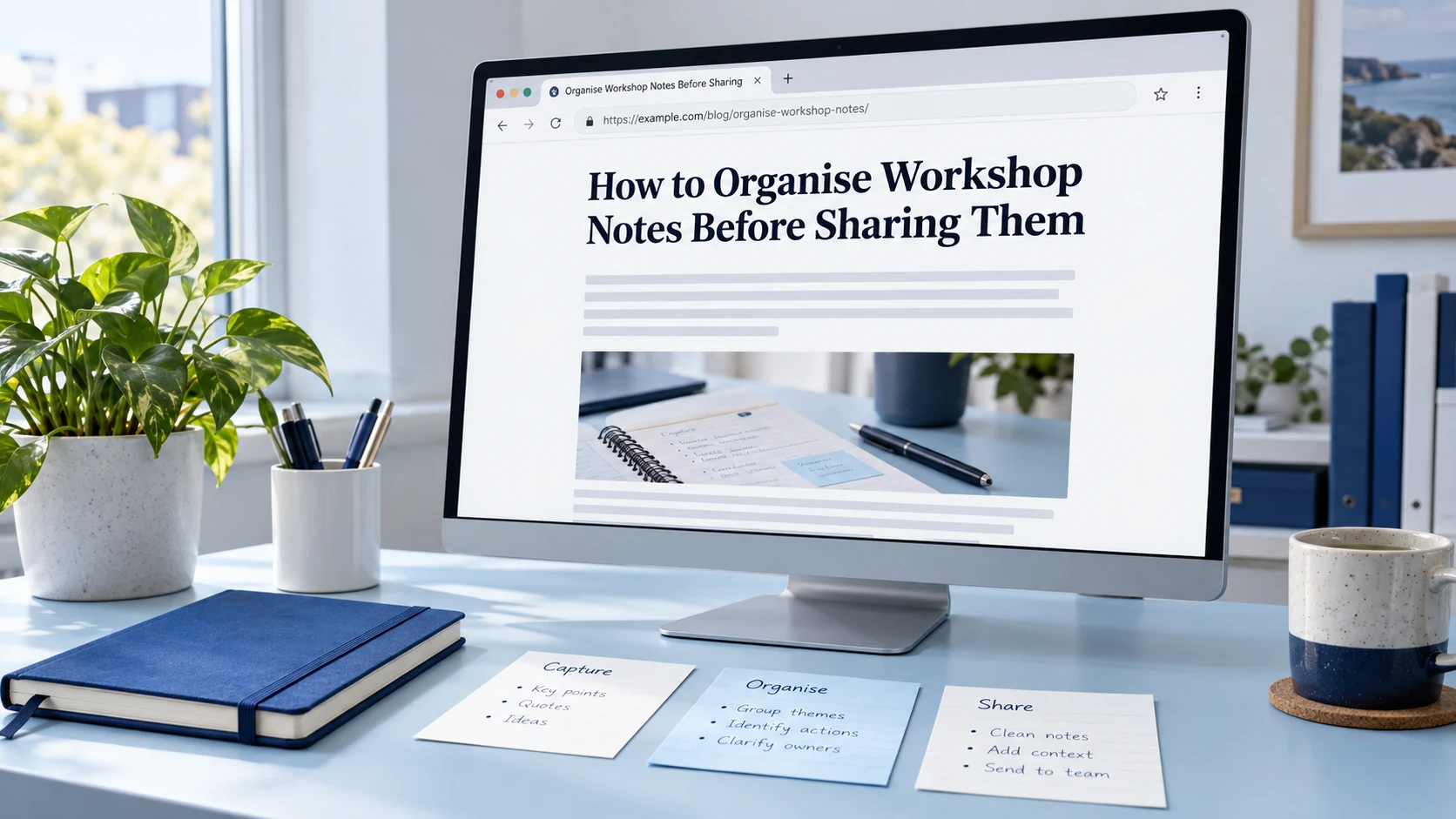
The visible title helps visitors recognise the subject before they begin reading the article. Your SEO title sets the HTML title text used by browsers and considered by search engines. Your URL slug forms part of the page’s address. These fields can describe the same topic using different wording because each has a different job.
For a WordPress post using Yoast, you usually enter the visible title in the post title field, review the SEO title in Yoast, and check the slug in the post’s URL settings. Editing one field does not necessarily update the other two. Templates, automatic settings and the post’s publication status can affect what happens.
Understanding page title vs URL slug helps you avoid a common publishing mistake: changing an address when you only wanted to improve a heading. This guide follows one fictional article through all three fields and shows what to check before saving an edit.
Three fields, one article
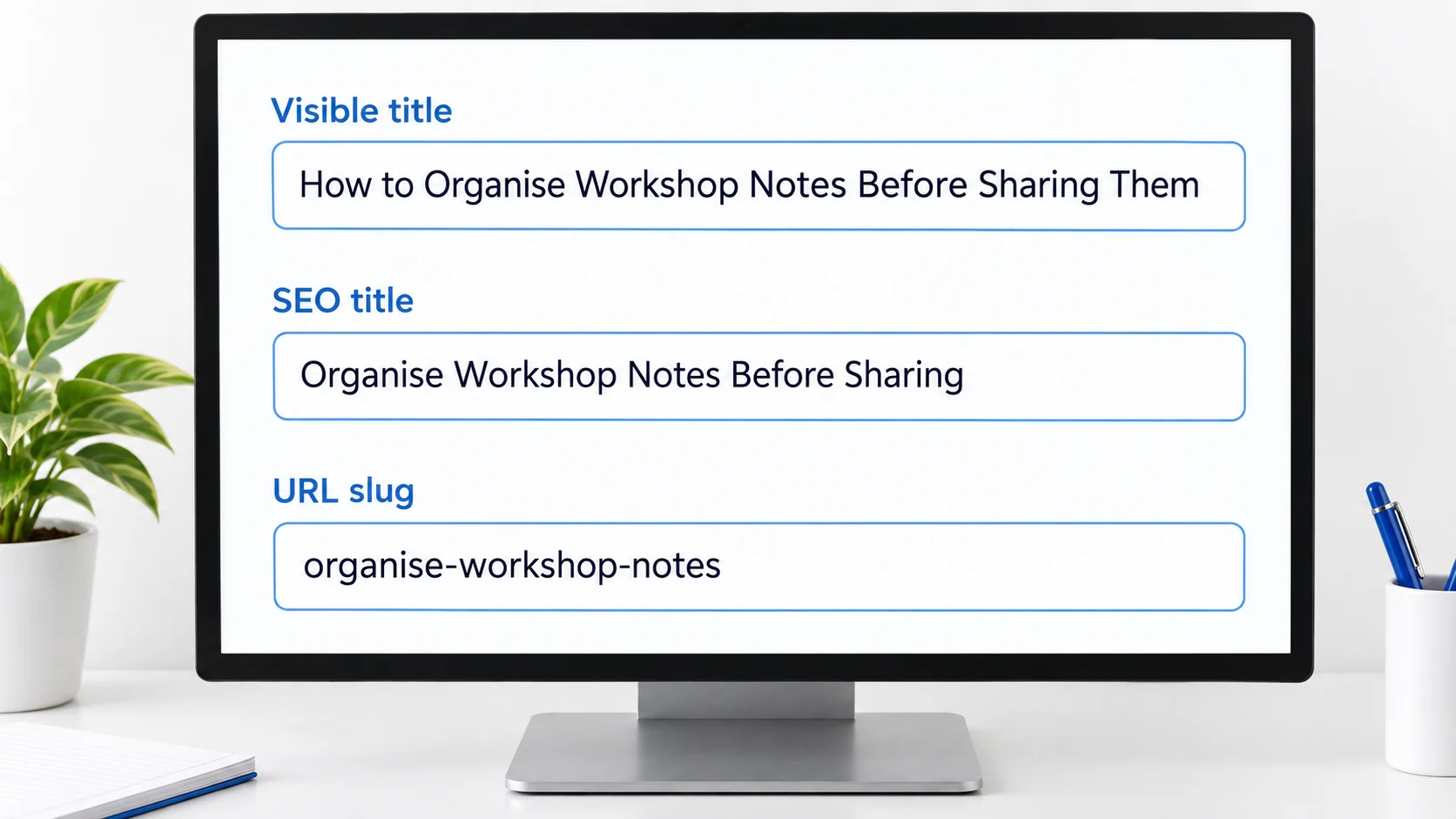
Imagine you are preparing a beginner guide about organising workshop notes. You could use the following values:
| Field | Example value | Main purpose |
|---|---|---|
| Visible page or post title | How to Organise Workshop Notes Before Sharing Them | Introduce the article to readers. |
| SEO title | Organise Workshop Notes Before Sharing | Set descriptive HTML title text. |
| URL slug | organise-workshop-notes |
Identify the page within its URL. |
The complete address might look like:
https://example.com/blog/organise-workshop-notes/
This is a fictional example address. The hostname and /blog/ path provide context around the slug. The slug is only the final segment shown here, not the entire URL.
The three values do not need to be identical. However, they should make compatible promises. A heading about workshop notes, an SEO title about meeting software and a slug about invoice templates would leave readers unsure what the page actually covers.
Start by agreeing on the article’s subject. Then adapt the wording for each field without changing that subject.
What readers see in the main article heading
The title entered at the top of the WordPress editor is the post or page title. Many themes display it as the main heading on the published page, often using an H1 element.
Your theme determines how that title appears. It may also reuse the title in article cards, archives or navigation components. A custom layout can hide it or display it differently, so always inspect the published result rather than relying only on the editor.
A useful visible title tells the reader what they are about to learn. It can include context that would be unnecessary in a short address. In our example, “Before Sharing Them” explains the stage of the workflow the article addresses.
If the theme already displays the post title as the main heading, repeating the same H1 inside the article body adds unnecessary duplication. Begin the body with an introduction, then use section headings to organise the explanation.
Changing the visible title should be an editorial decision. Ask whether the new wording describes the existing content more clearly. If it promises a different task, the article itself may need revision.
The SEO title is HTML title text, not a guaranteed search headline
An SEO title field is an editing control provided by an SEO plugin or publishing system. Its job is to help set the page’s HTML <title> element.
That element is separate from the heading inside the article. Browsers commonly use it for tab text, and search engines can consider it when presenting the page in results.
In a Yoast setup, the SEO title may come from a template containing variables such as the post title and site name. You can also enter a custom value. A template-based title can respond to changes in its source fields, while a manually written title may require a separate edit.
For example, your visible heading could remain:
How to Organise Workshop Notes Before Sharing Them
Your SEO title could be:
Organise Workshop Notes Before Sharing
The shorter version still describes the article. It does not need a string of repeated variations such as “workshop notes, workshop note organisation, organise workshop notes.”
Google does not promise to display your HTML title exactly. Its documentation about title links explains that it can use several sources, including the HTML title and visible headings. It also advises descriptive wording and discourages repetition.
Treat the SEO title as your preferred description, not a command that controls every search result.
The slug changes the address rather than the heading
A URL slug is the text used within a page’s address. In the fictional URL https://example.com/blog/organise-workshop-notes/, the slug is organise-workshop-notes.
A slug does not have to contain every word in the visible title. The heading can explain the task in a full phrase while the address keeps a recognisable topic identifier.
WordPress can create an initial slug from a title, but you should inspect the final value. Existing content, reserved values and WordPress behaviour can affect the saved result. The exact location of the slug control can also vary with the editor version and content type.
Once a post has a saved slug, do not assume that revising its title will rename the URL to match. Look at the URL setting directly. Conversely, editing the slug does not automatically rewrite the heading in the article.
For detailed formatting advice, including examples and common mistakes, see our guide to readable URL slug principles. Here, the important distinction is that the slug is an address component with consequences beyond the wording on the page.
What happens when you change each field?
Before making an edit, identify the result you want.
| Your intended change | Field to review | What else to inspect |
|---|---|---|
| Improve the heading readers see | Post or page title | Main heading, article cards and any SEO title template. |
| Improve the HTML title description | SEO title | Final HTML title and plugin template variables. |
| Rename the page’s address | URL slug | Permalink, redirects and links pointing to the old address. |
| Update a separate social-sharing title | Social title, where configured | Sharing metadata and the selected image. |
| Describe the page in a meta description | Meta description | Final description metadata. |
These are separate controls even when their wording starts out similar. Changing a meta description does not change the URL. Changing a social title does not necessarily change the HTML title.
The interface can make these fields feel connected because they appear in the same publishing workflow. The safest approach is to review the final value of each relevant field rather than infer that another field changed automatically.
Follow one sample article through a title revision
Suppose the draft begins with this title:
Workshop Notes
You later decide that the article specifically explains how to arrange notes before sending them to participants. You revise the visible title to:
How to Organise Workshop Notes Before Sharing Them
The longer heading now communicates the task. The existing slug organise-workshop-notes still fits, so there is no immediate reason to change the address.
Next, inspect Yoast. If the SEO title uses the post-title variable, it may incorporate the new wording. If you previously entered a custom SEO title, it may still contain the older description.
You choose:
Organise Workshop Notes Before Sharing
Now all three fields describe the same article:
- The visible title explains the task in a complete phrase.
- The SEO title presents a concise description.
- The slug preserves a readable address.
This is a publishing example, not a report of a test on a particular WordPress installation. Check your own theme and plugin output before assuming the same behaviour.
Prepare a candidate address from your working title
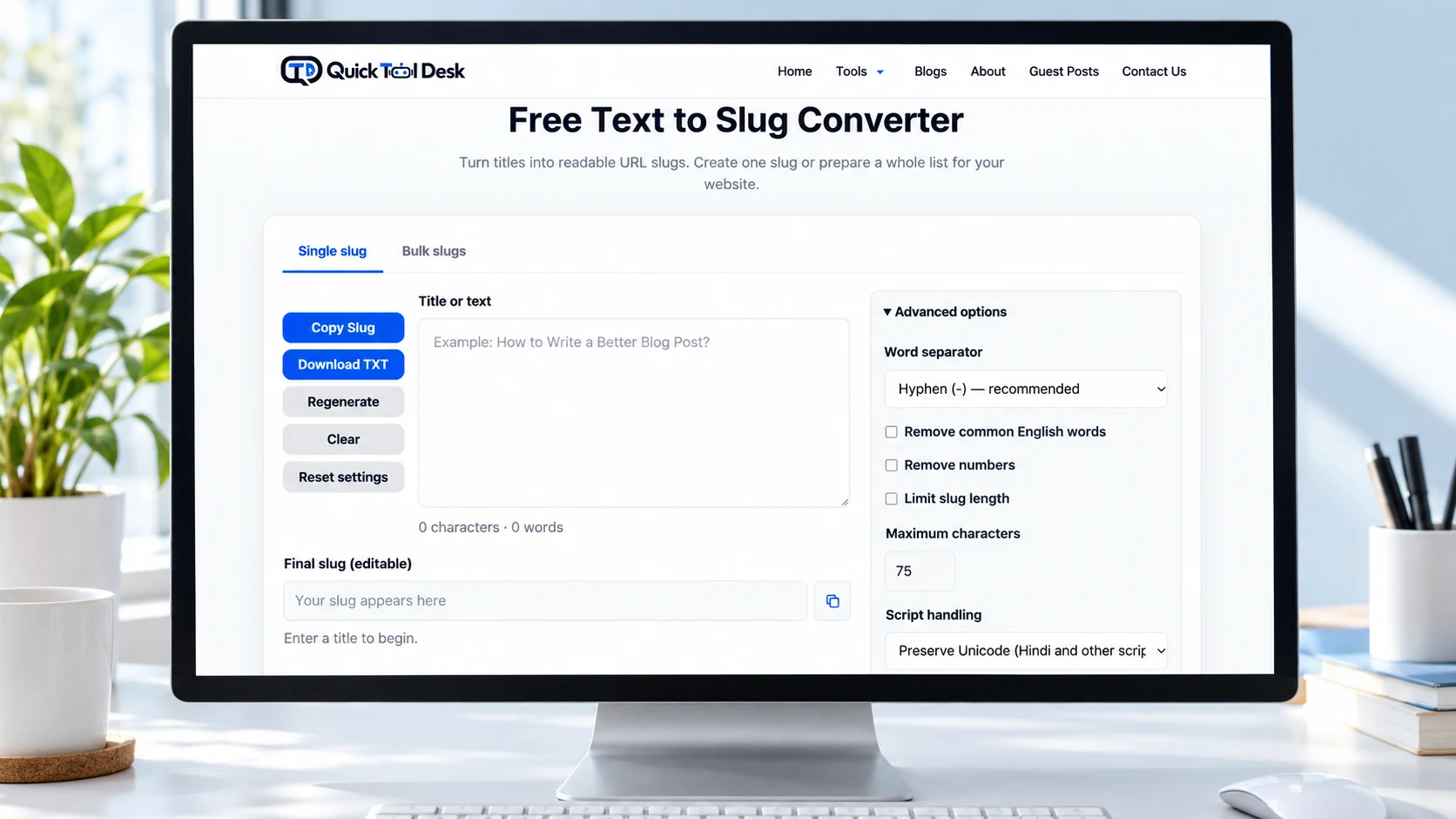
A text-to-slug tool can help you turn a proposed title into a candidate address segment. It does not decide whether that candidate belongs to the right article.
You can preview a title-derived URL slug while preparing your draft. Review the result for relevance, then enter the chosen value in WordPress and inspect the final permalink.
The converter does not establish that a slug is available in your WordPress site. It also does not configure redirects, update old links or publish the page. Those tasks belong to the website’s publishing and URL-management workflow.
Keep the decision simple: does this address identify the article’s subject clearly enough to remain useful if you improve the visible heading later?
Do not keep changing a candidate solely to make every field match character for character. Consistent meaning is more useful than identical wording.
Review these details while the post is still a draft
Drafting is the easiest time to compare your choices because you have not yet distributed the public address.
Use this sequence:
- Finish enough of the article to know its actual scope.
- Write the visible title around that scope.
- Review the SEO title and any variables used to generate it.
- Choose a relevant slug.
- Save the draft and inspect the displayed permalink.
- Preview the page to check the main heading.
- Review the SEO preview as an estimate of presentation, not proof of a live search result.
WordPress’s page and post settings documentation provides official guidance on the editor’s settings. Interface labels can change, so follow the controls available in your installation rather than an outdated screenshot.
If WordPress saves a value different from the one you entered, investigate before publishing. A modified slug can indicate that your preferred value conflicts with something else in that context. Do not overwrite another page to force the draft into the same address.
Handle a published URL change as a separate task
Improving a title and moving a page are different decisions. If an established address still describes the content, a heading revision alone may be sufficient.
When you intentionally change a published slug, record the old and new complete URLs. Then arrange and verify an appropriate permanent redirect where the content has moved.
Do not assume that editing the slug has completed the redirect work. Hosting settings, plugins and WordPress behaviour can differ. Visit the previous URL separately and confirm that it takes you to the intended replacement page.
Also update internal links you control. A redirect can help someone reach the new location, but it does not replace the need to maintain accurate links.
For this guide’s purposes, the practical rule is to keep address changes separate from routine wording improvements. Review the URL impact deliberately before saving a new slug on a live page.
Check the published output in three places
After publication, inspect the parts that correspond to your three fields.
First, read the page itself. Confirm that the main heading matches your intended visible title and that the article delivers what it promises.
Second, inspect the HTML title. The browser tab offers a quick indication, but long text may be shortened in the tab. Page source can show the complete <title> value. Also look for accidental duplication, such as a site name added twice through both a template and manually entered text.
Third, check the address. Open the final URL and confirm that it leads to the intended article. If you changed an existing address, test the old URL too.
Search results can take time to reflect changes, and their displayed title may differ from your preferred wording. A plugin preview is useful during editing, but it does not confirm what Google currently displays.
Keep every title aligned with what the article delivers
A clear title does more than include a keyword. It sets an expectation.
If your article explains a manual workflow, do not describe it as fully automatic. If it discusses a beginner example, do not claim it is a tested method for every website. A readable slug should also avoid implying a different topic from the actual page.
For example, an article about preparing workshop notes should not use an SEO title promising secure team collaboration unless the content actually addresses that subject and supports the claim.
Review the three fields together as a reader would encounter them: an address somebody shares, a title somebody discovers, and a heading somebody reads after arriving. Each should lead toward the same useful explanation.
A practical final review
Before publishing or updating a page, ask:
- Does the visible title accurately introduce the content?
- Does the SEO title describe the same subject without unnecessary repetition?
- Is the slug relevant to this specific page?
- Have I checked template-generated values?
- Am I changing wording, or am I also changing an address?
- Does the saved output match the fields I intended to edit?
You do not need identical text everywhere. You need a heading, HTML title and address that work together without creating a misleading expectation.
Frequently asked questions
Will editing a WordPress post title also rename its URL?
Do not assume it will. A draft may receive an initial slug based on its title, but a saved slug can remain unchanged when the title is revised. Inspect the URL setting and final permalink directly.
Can the SEO title use different wording from the visible heading?
Yes. The wording can differ when both accurately describe the same content. For example, the visible heading can explain a task more fully while the SEO title uses a concise description.
Does Google have to display the SEO title I entered?
No. Google generates title links using multiple sources. Your HTML title helps communicate your preference, but it does not guarantee the exact wording shown in search results.
Is a URL slug the same as the complete permalink?
No. A slug is one component of the address. The complete permalink also includes the domain and any other path structure used by the site.
Will a slug converter check whether the address is available in WordPress?
No. A converter helps prepare candidate text. Check availability and the final saved address in WordPress; the converter does not inspect your site’s existing URL assignments.
Do I need a new slug whenever I improve an article heading?
Usually, a wording improvement does not require an address change if the existing slug still fits the article. Review the content and URL separately, and handle redirects deliberately if you decide to move the page.