Review your draft
Word Counter
Count words, characters, sentences and paragraphs with our free online word counter. Review word frequency and estimated reading time before you publish.
Open Word CounterSimple tools for better writing
Count words, change text case, turn titles into URL slugs, and write notes in your browser. Choose one of four free tools and get started without an account.
Free to use · No account needed
Explore the tools
Open the tool you need. Each one works in your browser and is free to use.
Put the tools to work
Record decisions, owners, and deadlines in Notepad. Draft a short update, check its length, and review the formatting before sharing it.
Use the meeting-notes template and action checklist.
These tools help with preparation; they do not check facts or replace a final editorial review.
Quick answers
Count words, change text case, create URL slugs from titles, and write notes with the four tools listed above.
Yes. All four available tools are free to use.
No. You can use the available tools without creating an account.
Online Notepad saves notes in the browser and device you use. Notes do not automatically sync across devices. Download or export a backup before clearing browser storage.
Fresh from the blog
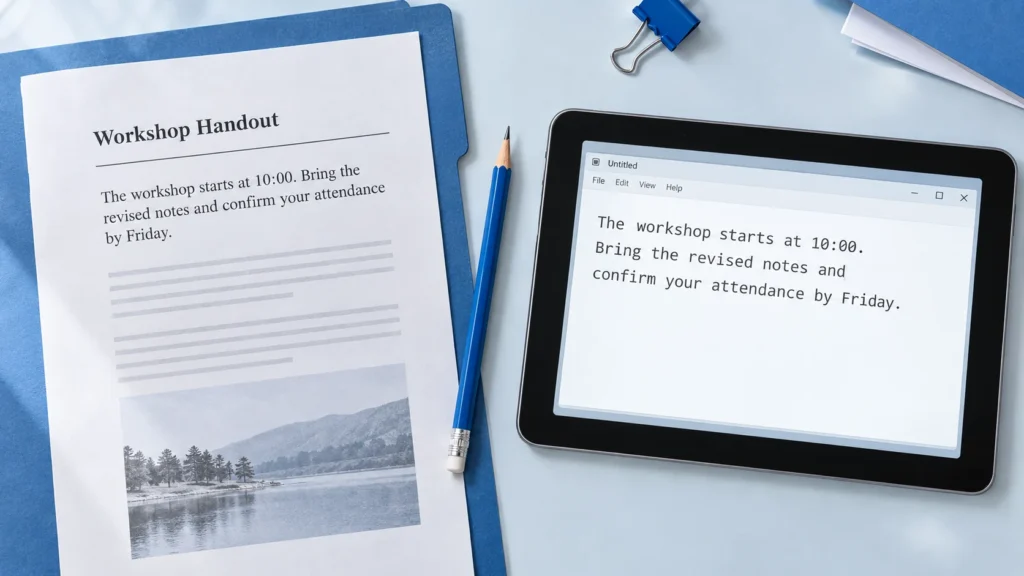
Repair broken lines, split words and unwanted spacing in text copied from a PDF. Follow practical examples, review capitalization and verify the result against the source.
Read guide
Understand how the visible page title, SEO title and URL slug work together. Follow one WordPress example and check what changes before publishing or updating.
Read guide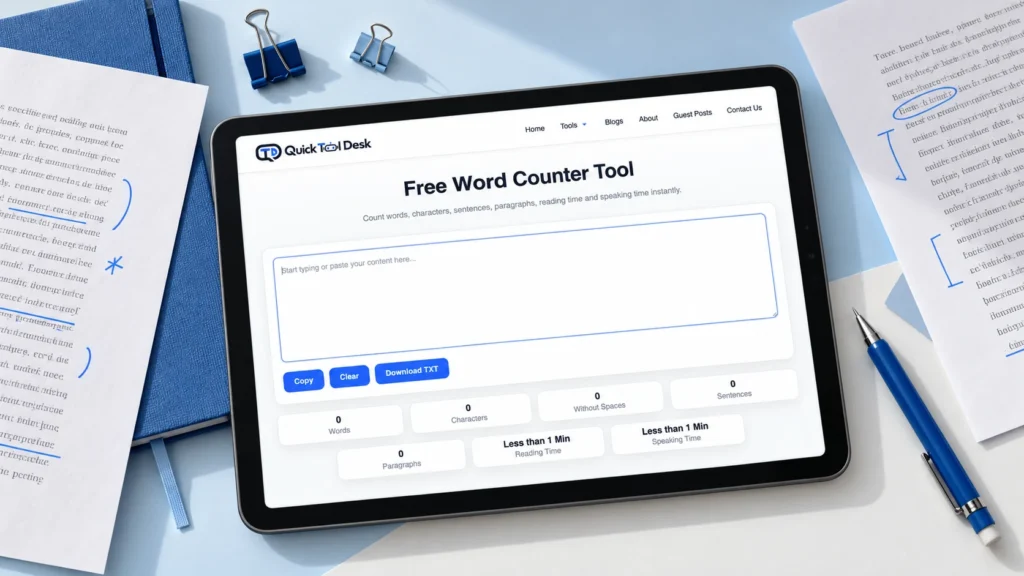
Understand word count versus character count, check whether spaces are included, and use practical examples to shorten a response without losing its meaning.
Read guideExplore worked examples and guides for planning writing, formatting text, and organising notes.
Have a relevant tutorial to contribute? Read our guest contribution guidelines. Submissions are subject to editorial review.
Visit the blog