How to Clean Text Copied from a PDF Before Editing It
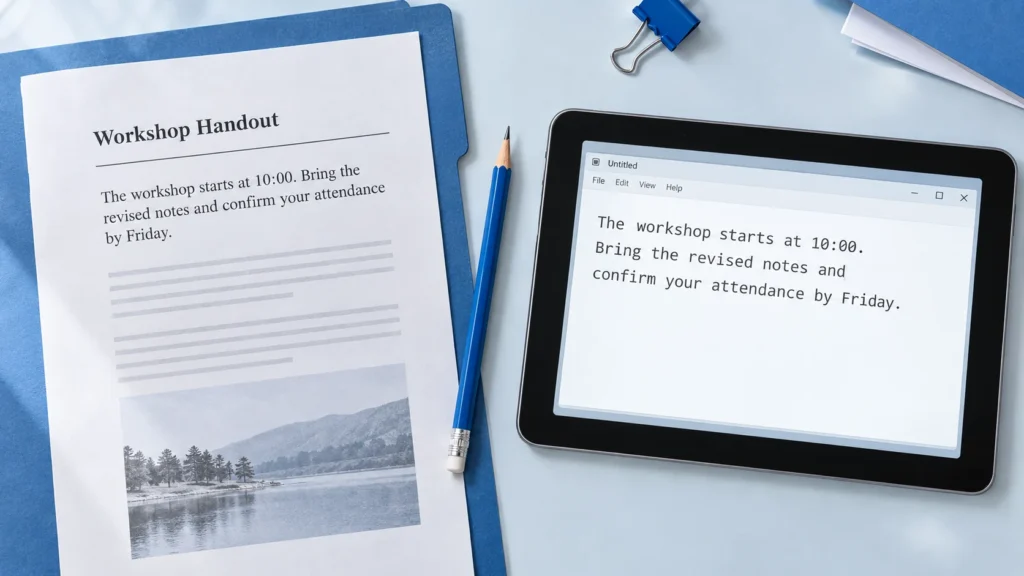
Repair broken lines, split words and unwanted spacing in text copied from a PDF. Follow practical examples, review capitalization and verify the result against the source.
Read guideQUICK TOOL DESK JOURNAL

Practical ideas to plan your writing, review a draft and format text with confidence.
EXPLORE THE BLOG
Start with a topic that helps your next writing task.
Repair broken lines, split words and unwanted spacing in text copied from a PDF. Follow practical examples, review capitalization and verify the result against the source.
Read guide
Understand how the visible page title, SEO title and URL slug work together. Follow one WordPress example and check what changes before publishing or updating.
Read guide
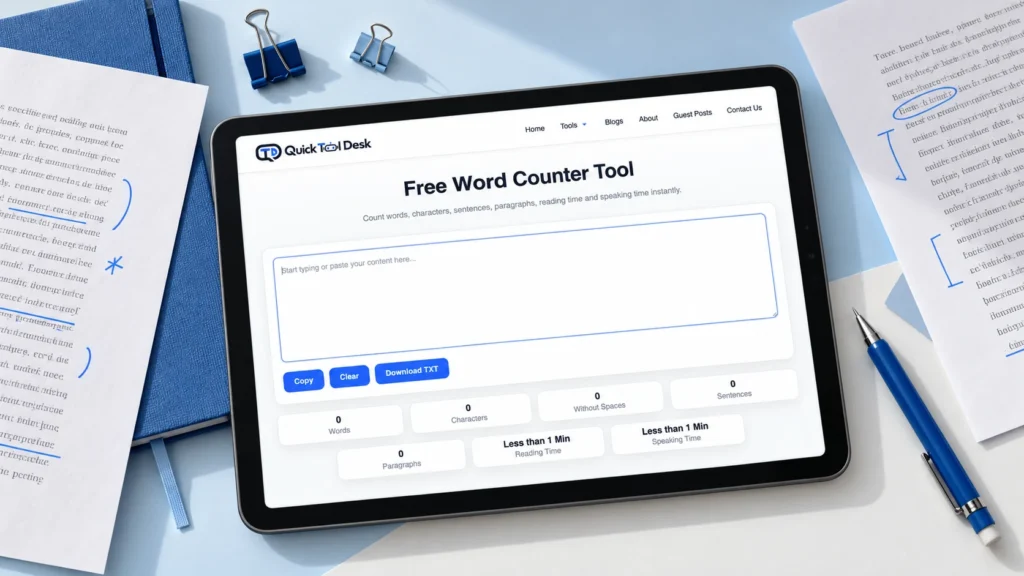
Understand word count versus character count, check whether spaces are included, and use practical examples to shorten a response without losing its meaning.
Read guide
Export browser notes as TXT or HTML, reopen the files to check their contents, and keep a separate copy you can find when you need it.
Read guide
Fix text accidentally typed with Caps Lock without retyping. Learn when to use Sentence Case, lowercase or Invert Case, then review names, acronyms and formatting before copying it back.
Read guide
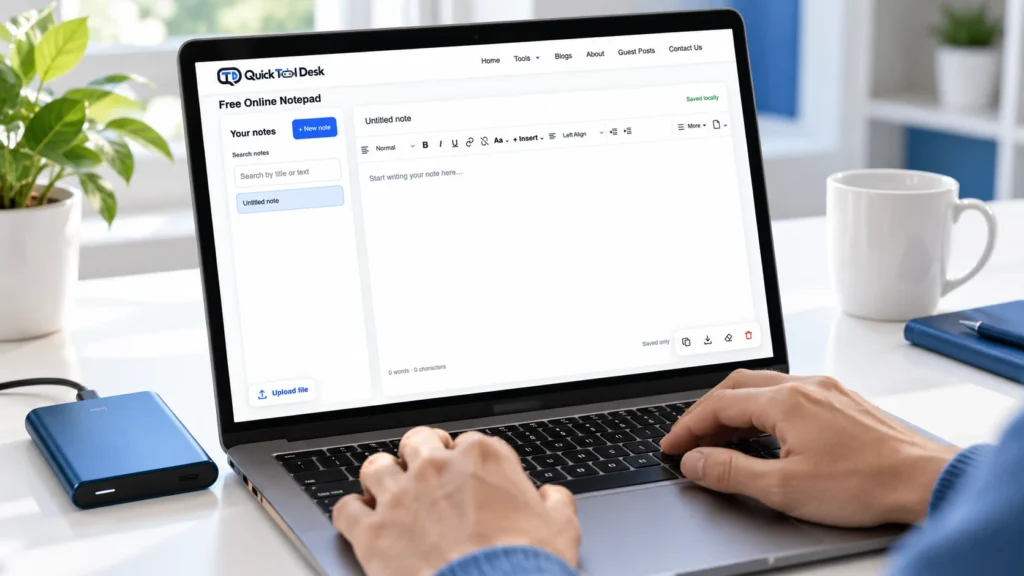
Discover how browser-based notepads save your drafts, why notes may disappear, and how to check saving status, locate missing notes and keep a separate backup.
Read guide
Word counts can vary between Google Docs, Microsoft Word and online tools. Learn how counting scope, punctuation and copied formatting affect totals-and how to check your draft before submitting.
Read guide
Organise meeting notes with a simple template, a worked example, and an action checklist for decisions, owners, deadlines, and follow-up.
Read guide
Learn how to create SEO-friendly URL slugs with practical examples, common mistakes to avoid, and helpful tools.
Read guide
Choose a capitalization style that fits your document and use it consistently.
Read guide